
Instructions in a step-by-step format
Here is the detailed Sanchar Saathi App Guide featuring organized steps, explaintions and image placeholders.
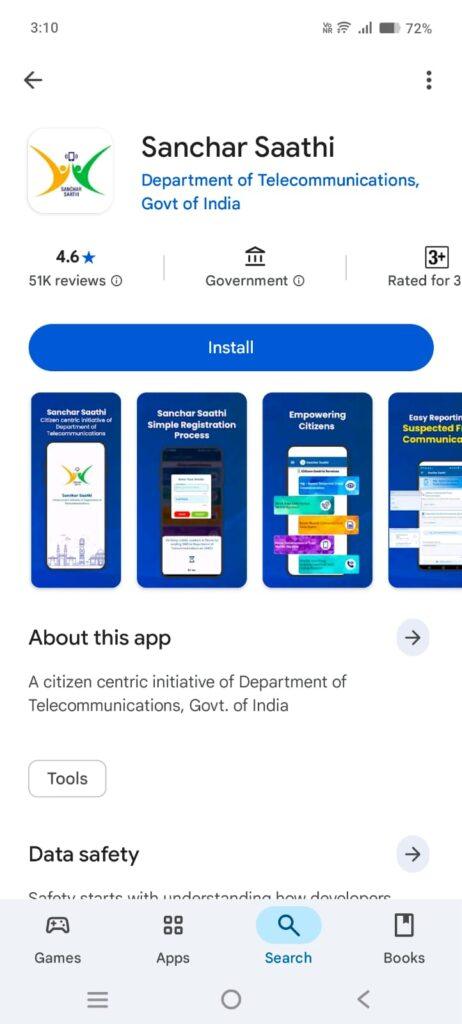
Step 1: Get the Sanchar Saathi App
- Launch the Play Store or App Store and look for “Sanchar Saathi”.
- Click Install to obtain the official application released by DoT
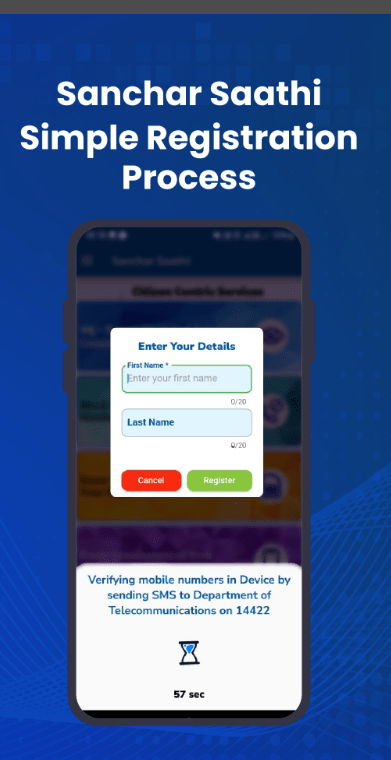
Step 2: Sign Up With Your Mobile Number
- Once you launch the app, input your mobile number.
- You will get an OTP; input it to confirm your identity
Step3:Confirm Device Legitimacy Through KYM
- Select KYM (Know Your Mobile).
- Input your phone’s IMEI number to verify whether your device is authentic, blacklisted, or marked as stolen.
This step is important before buying a second-hand mobile phone.
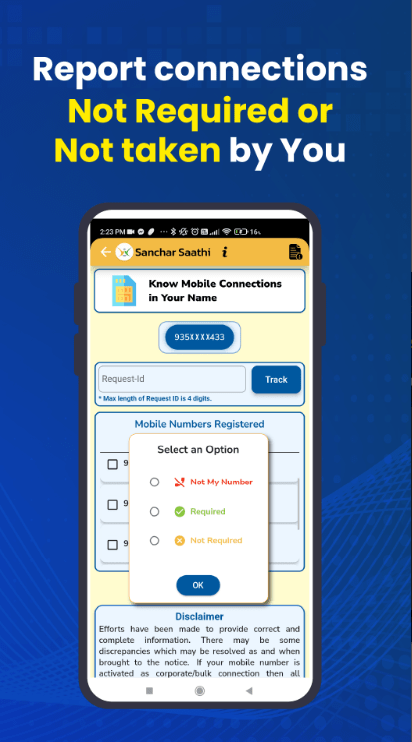
Step 4: Verify SIM Cards Associated with Your Identity via TAFCOP
- Go to Mobile Connections in TAFCOP.
- A list of all mobile numbers assigned to your identity will be displayed.
- If you encounter an unfamiliar number → Select Report Not Mine
- Send the application to avoid the abuse of your Aadhaar information.
Step 5: Use CEIR to Block a Lost or Stolen Phone
Select Block Lost or Stolen Phone (CEIR).
- IMEI code
- Cell phone number
- Device information
- FIR duplicate or identification proof (if necessary)
Fill out the form to disable the phone on all Indian networks. Even if a person replaces the SIM, the phone will remain nonfunctional
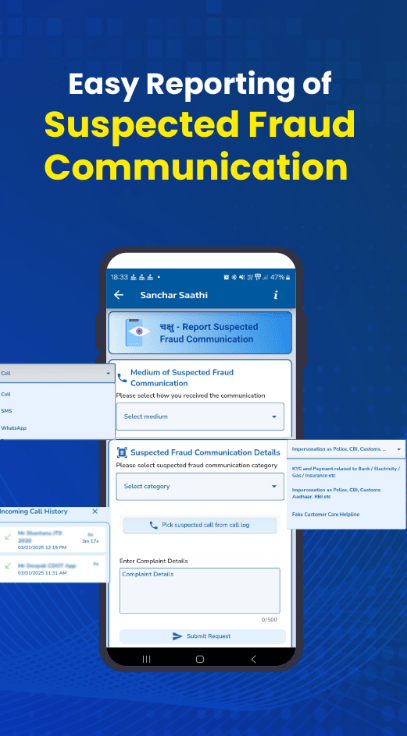
Choose Report Suspected Fraud Notification.Decide if the fraud was received through:
- Call
- SMS
- WhatsApp (if supported)
Provide details and submit.
This helps the DoT block scam numbers and protect users nationwide.